

Bienvenue sur Vetzy
Vetzy relie les propriétaires d'animaux et les professionnels vétérinaires : recherche, profils publics, rendez-vous en ligne et suivi du dossier. Ce guide décrit les premières étapes pour prendre en main la plateforme.

Créer votre compte
Pour commencer :
- Cliquez sur Inscription en haut de la page d’accueil
- Indiquez votre e-mail et choisissez un mot de passe sécurisé (ou utilisez la connexion sans mot de passe si proposée)
- Validez votre adresse e-mail via le lien reçu
- Complétez votre profil (nom, coordonnées)

Ajouter votre premier animal
Depuis le tableau de bord :
- Ouvrez Mes animaux
- Cliquez sur Ajouter un animal
- Renseignez nom, espèce, race, date de naissance ou âge, poids, photo (recommandée)
- Enregistrez

Trouver un vétérinaire
Utilisez la recherche par ville ou pays (Belgique, France, Suisse, Luxembourg). Filtrez par spécialité, distance ou langues. Les profils annuaire sont consultables sans réservation en ligne ; les profils réservables permettent de prendre rendez-vous.

Premier rendez-vous
- Ouvrez le profil du professionnel
- Choisissez Prendre rendez-vous (si disponible)
- Sélectionnez l'animal et le motif
- Choisissez un créneau dans le calendrier
- Confirmez la réservation
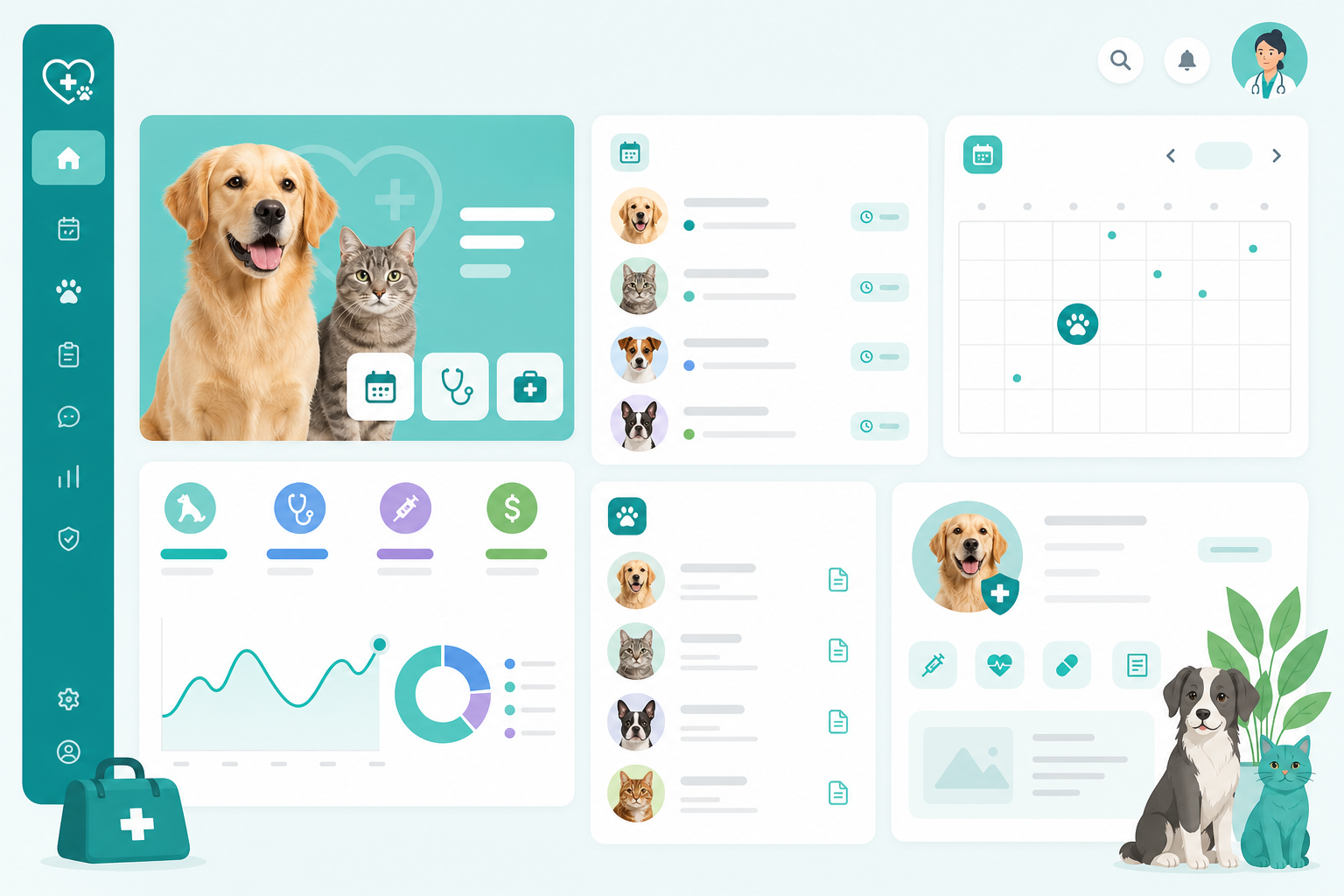
Vue d’ensemble
- Tableau de bord — rendez-vous à venir et raccourcis
- Mes animaux — fiches et historique
- Rendez-vous — consultation et annulation
- Paramètres — notifications par e-mail et compte

Étapes suivantes
- Compléter tous vos animaux
- Consulter le guide propriétaire
- Parcourir la FAQ
- Contacter le support en cas de besoin